Guests pour their own, and pay for what they pour.
A self-pour system that cuts labor costs by letting guests pour their own beer. Small stores can start with a compact setup of 2 to 4 taps.
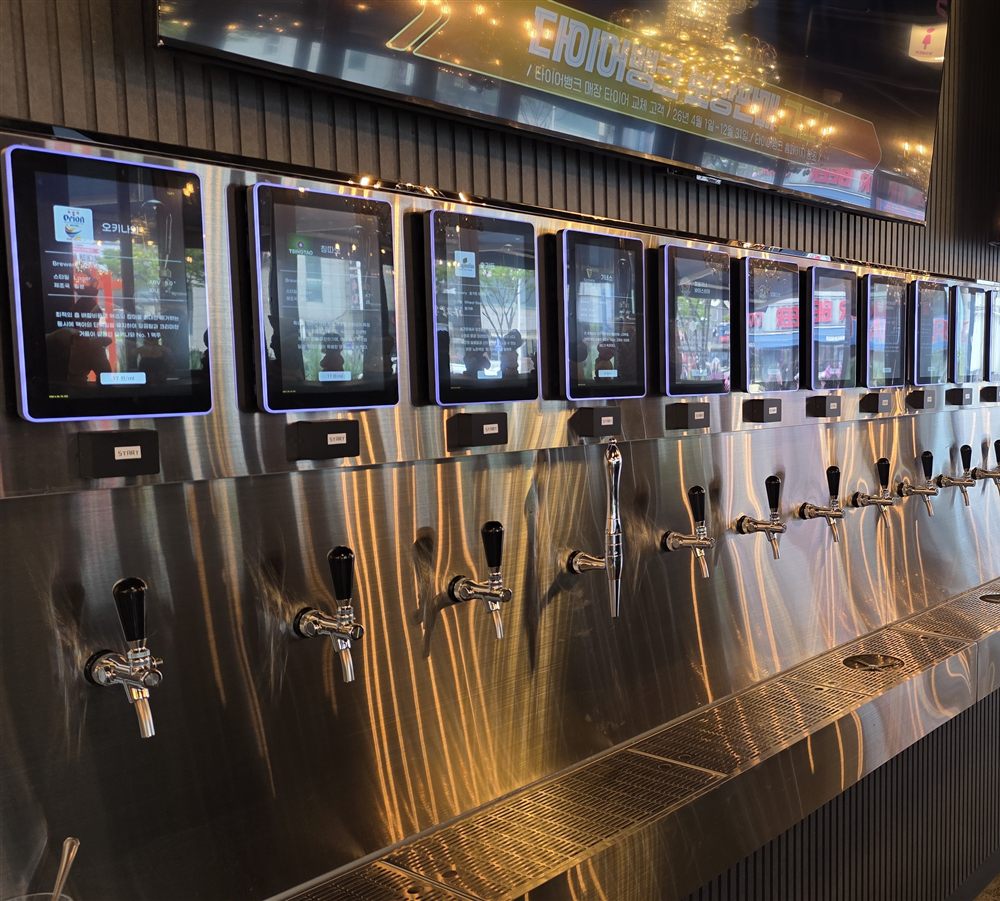
Who it's for
Stores run by a small team
Guests pour and carry their own beer, so staff can focus on cooking and service.
Small stores that need only 2 to 4 taps
Installation starts from a single tap. It connects directly to a brewery cooler or a small fridge, with no walk-in cooler needed.
Stores that want accurate sales records
The amount poured is recorded in mL and becomes the sales record as is.
Stores that want guests to try a little of many
You can sell by the half glass or by a few sips. Works for beer, wine and sake.
Pour with one tag, pay once when you leave
-
1. Get a tag
Guests get one tag per table or one per person when they sit down. Age is checked at this point.
-
2. Tap the tag
The tap screen shows the beer's name, style, ABV and price.
-
3. Pour your own
Pour as much as you like, from a sip to a full glass. The amount is recorded in mL.
-
4. Pay once when you leave
Everything poured is already in the POS, so checkout is quick. With one tag per table, the group pays together.
Prepaid works too. Guests can top up a tag in advance and pour within the balance.
Equipment and software
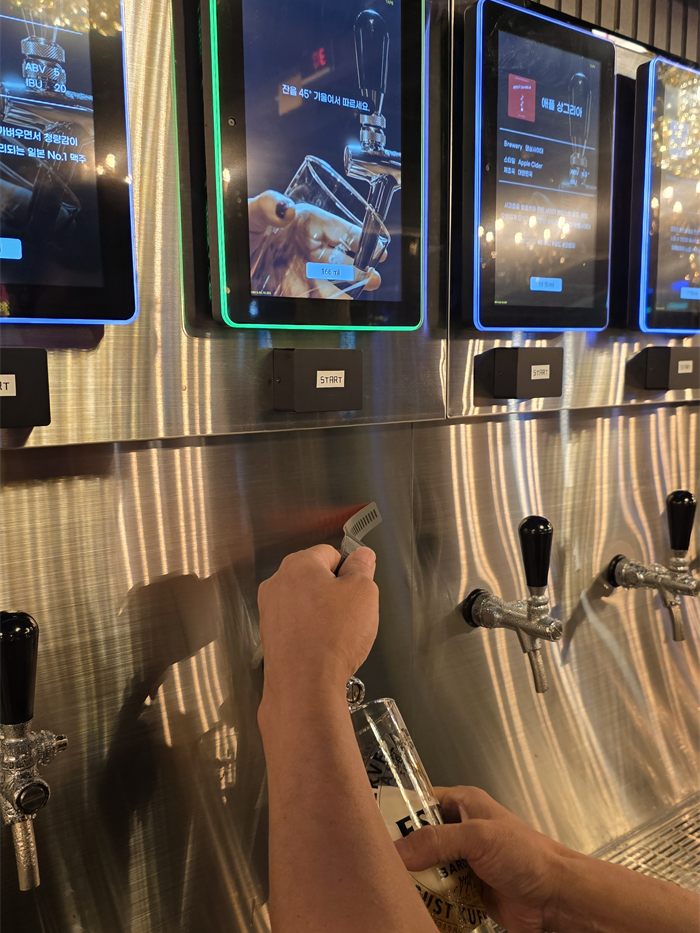
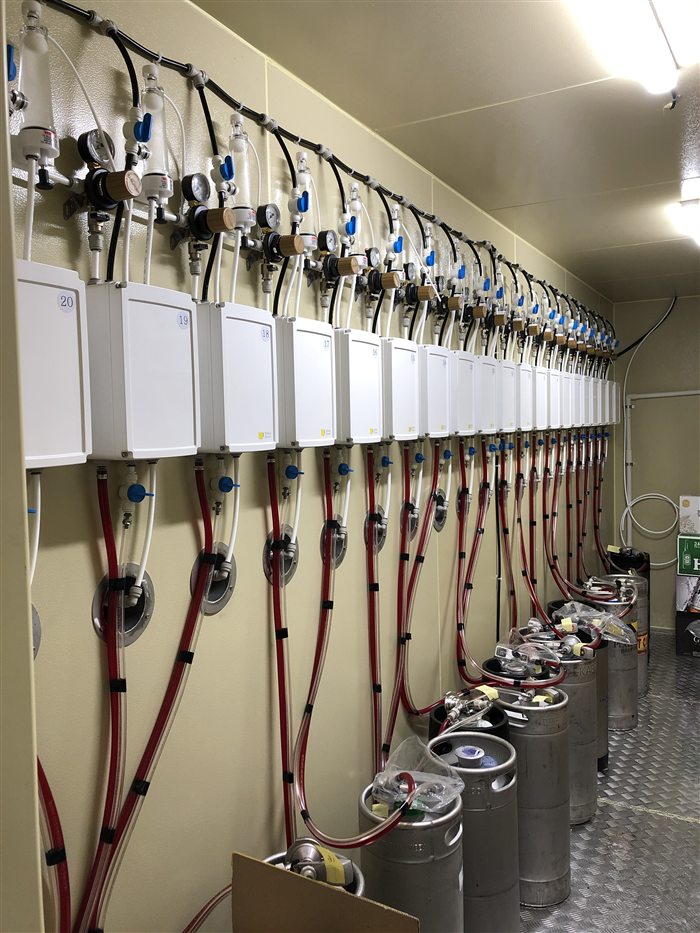
Tap display
A screen installed at each tap. It shows the beer's name, style, ABV and price, and its LED design sets the mood of the store.
Flow meter
Measures the amount poured in mL.
Guest tag
Identifies each guest and collects their usage.
Store management software
Shows sales by tap and links with the POS.
| Unit of measurement | mL (can sell by the half glass or by a few sips) |
|---|---|
| Calibration | Built-in calibration lets the store correct any measurement error on site. |
| Drinks | Beer, wine, sake |
| Number of taps | From a single tap to many |
| Integrations | POS, Order App, God of Beer Members |
Choose to fit your store
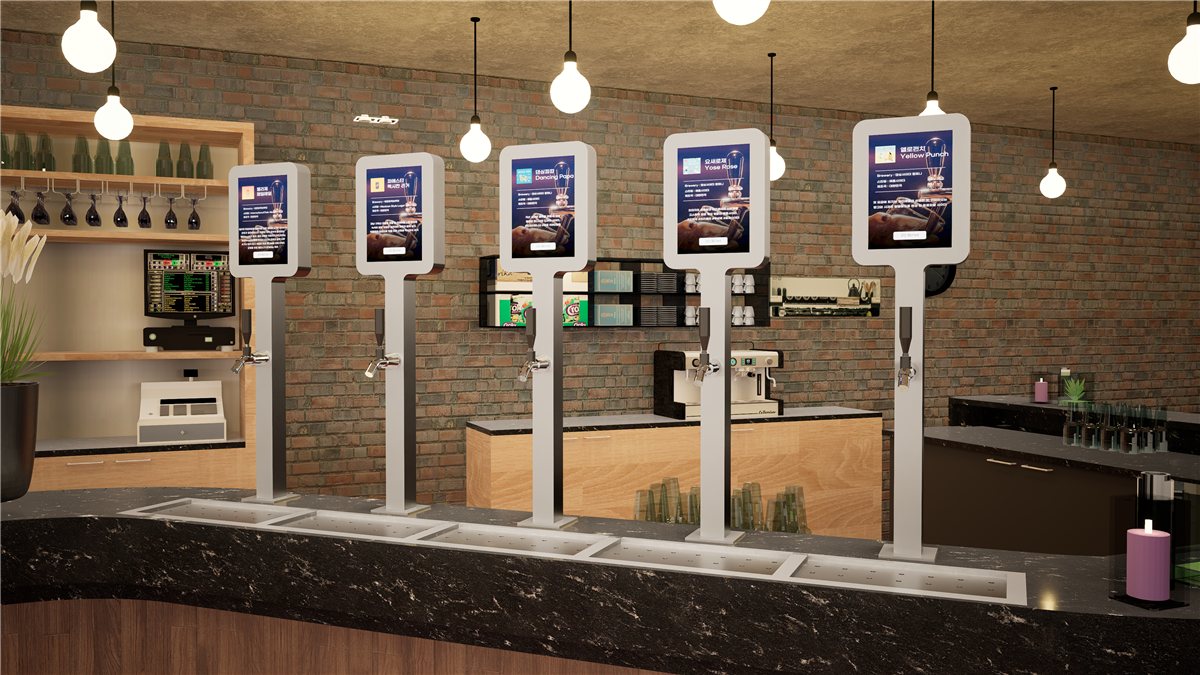
Tower
RecommendedTaps that stand on the counter. They connect directly to a brewery cooler or a small fridge, so no walk-in cooler is needed. Each tap has its own screen.
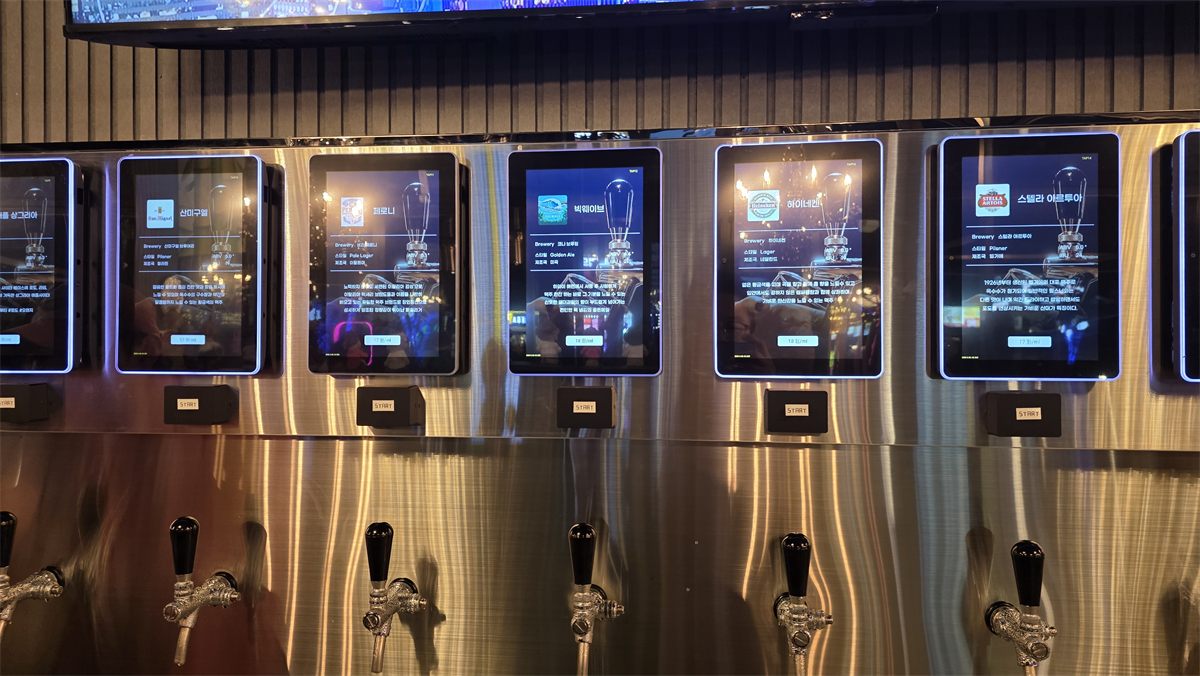
Wall
Taps mounted on the walk-in cooler wall, suited to stores with many taps. Choose one screen per tap, or two taps per screen (split screen).
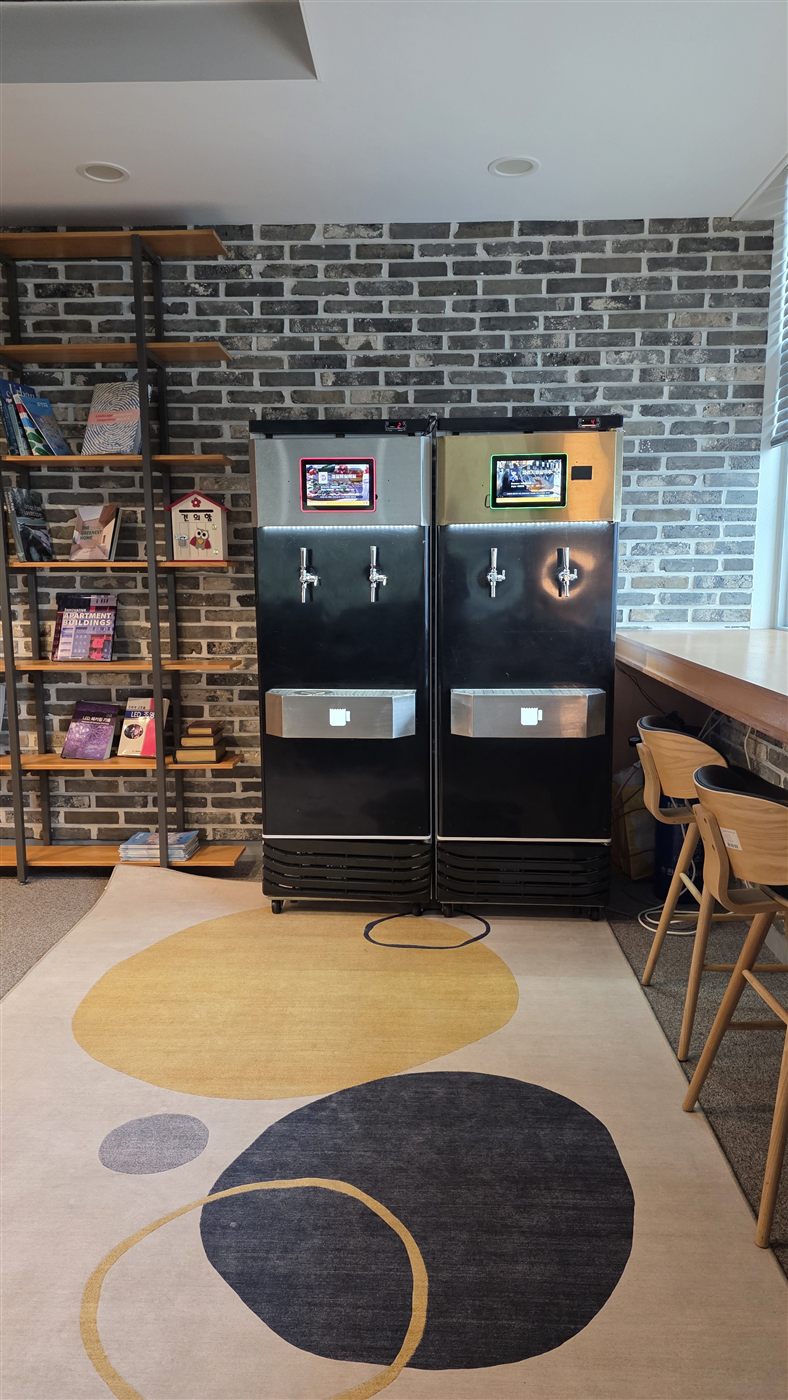
All-in-one
A fridge that comes with two taps and a screen already fitted.
Choose between purchase and a 36-month rental. Pricing is provided during consultation.
Works even better with
God of Beer Members
Even beer poured with SelfTap earns points automatically and leads into membership levels and challenges.
Go to the brand site (opens in a new window)Installations
Since 2014, we have installed over 1,000 taps in Korea and abroad.
-
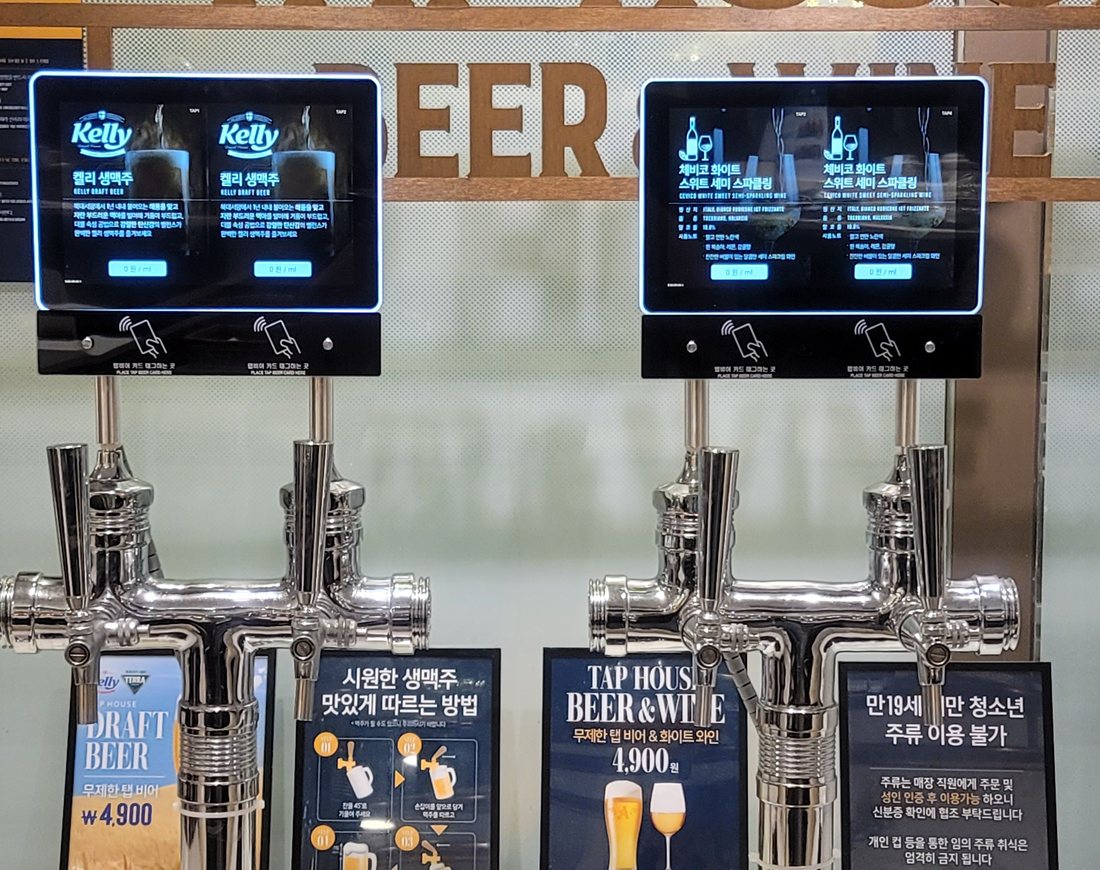
Buffet restaurant
Split-screen tower4 tapsSeoulInstalled on the counter with no walk-in cooler, so guests pour their own beer and wine.
-
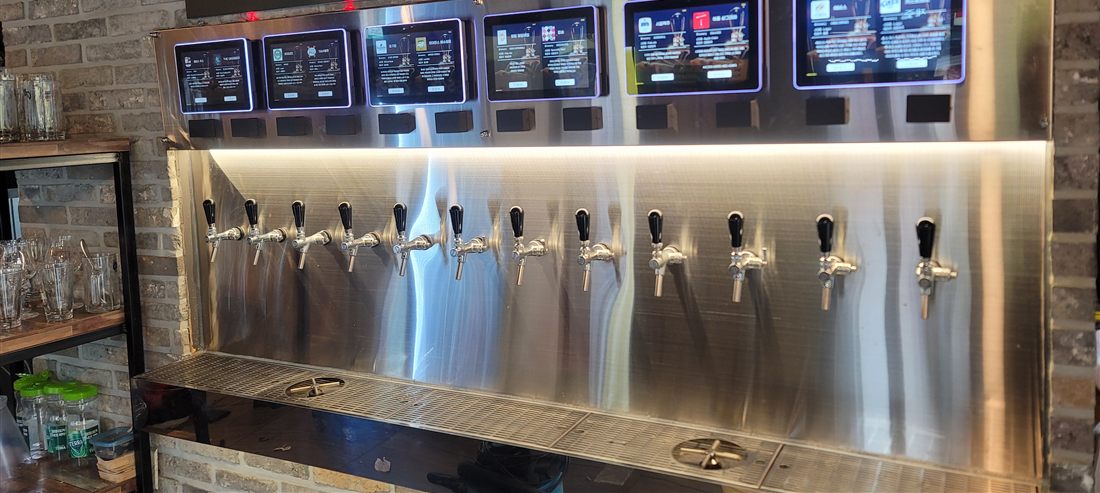
Beer Tap
Wall, split screen12 tapsDaejeonA split-screen setup where one screen shows two taps.
-
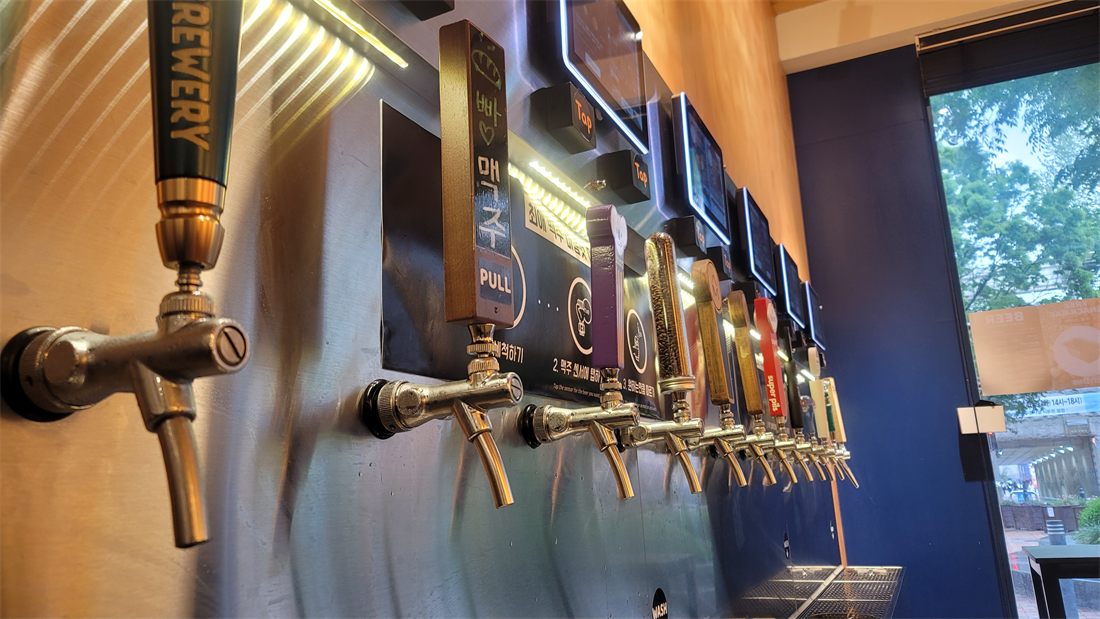
Bottling
Wall, split screen12 tapsSeoulA new store concept specializing in craft beer to go.
-
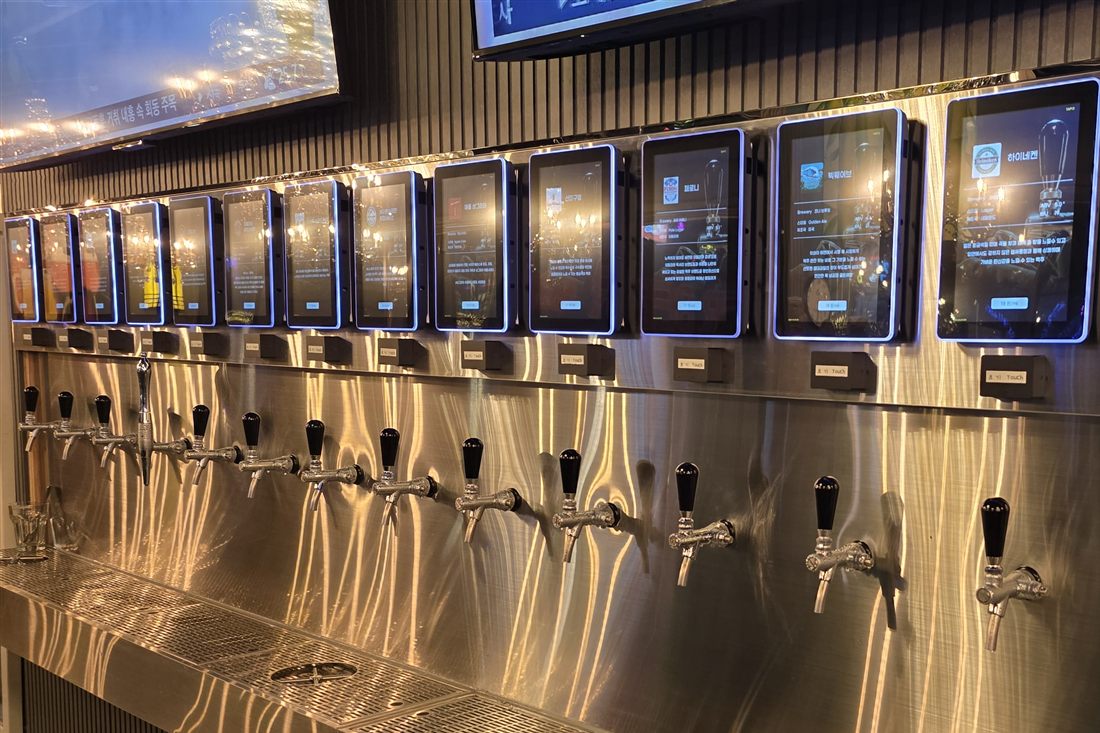
Container Beer
Wall, full screen17 tapsUlsanA large store with one whole wall of SelfTap.
-
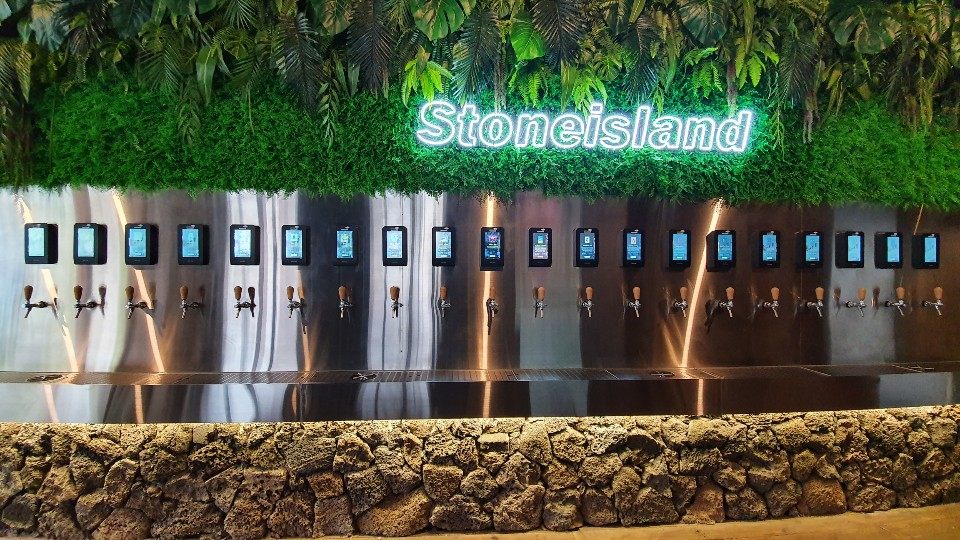
Stone Island Taphouse
Wall, full screen20 tapsJejuA taphouse where a basalt wall meets a stainless steel tap wall.
-
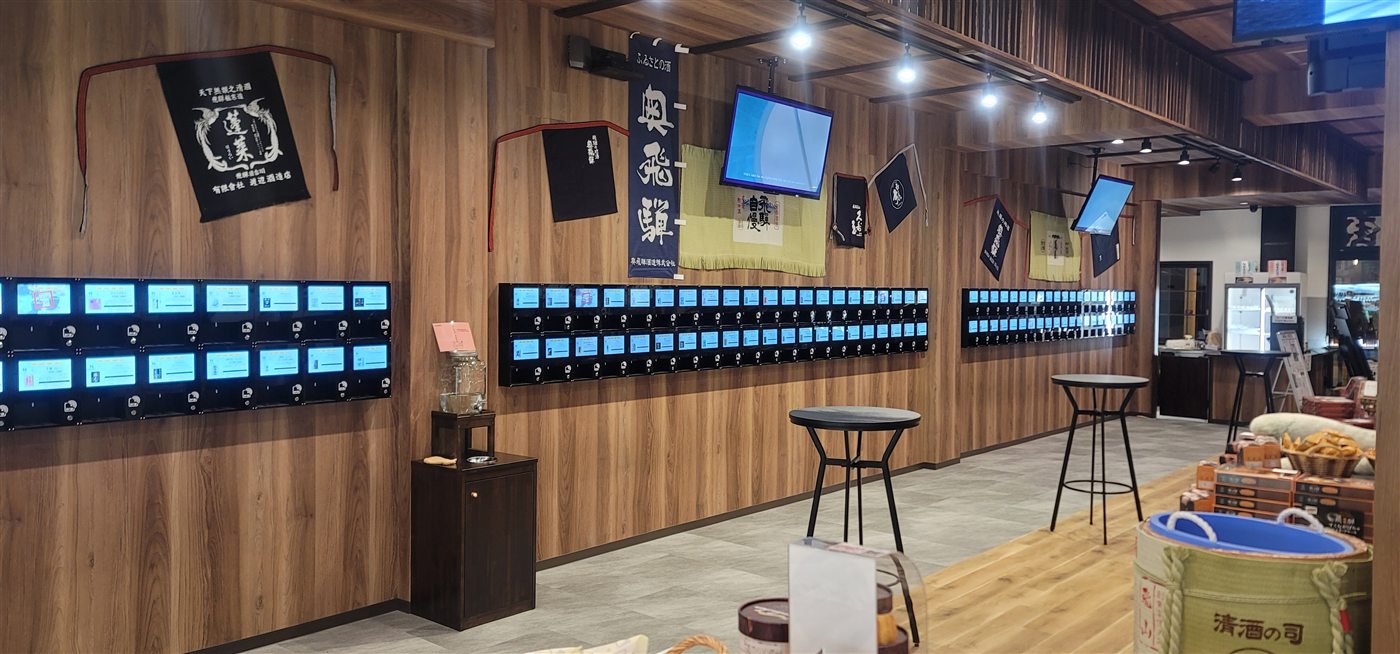
丸金商店 (Marukin Shoten)
Wall, full screen100 tapsTakayama, JapanA sake tasting shop where guests can try 100 kinds of sake.
Getting started
It takes about three weeks from consultation to opening, including the time to build custom equipment.
-
1. Consultation
Together we decide the installation type, the number of taps and how tags will be used.
-
2. Site survey
We check the installation site and match it to the interior.
-
3. Contract
We set the installation schedule and order the custom equipment.
-
4. Equipment installation
We install the dispensing equipment, the store network and SelfTap. One day for 8 taps or fewer, two days or more for 9 taps or more.
-
5. Server setup and integration
We connect the equipment to the server and test it.
-
6. Training and handover
We show your team how to use it and finish after a final check. We are on site with you on opening day.